


Top 5 Free Smartphone Data Recovery Software in 2026
Top 5 Free Smartphone Data Recovery Software in 2026
Losing important files from your smartphone can happen anytime. Below are the best free tools to recover deleted data along with how to use them step by step.
1. DiskDigger
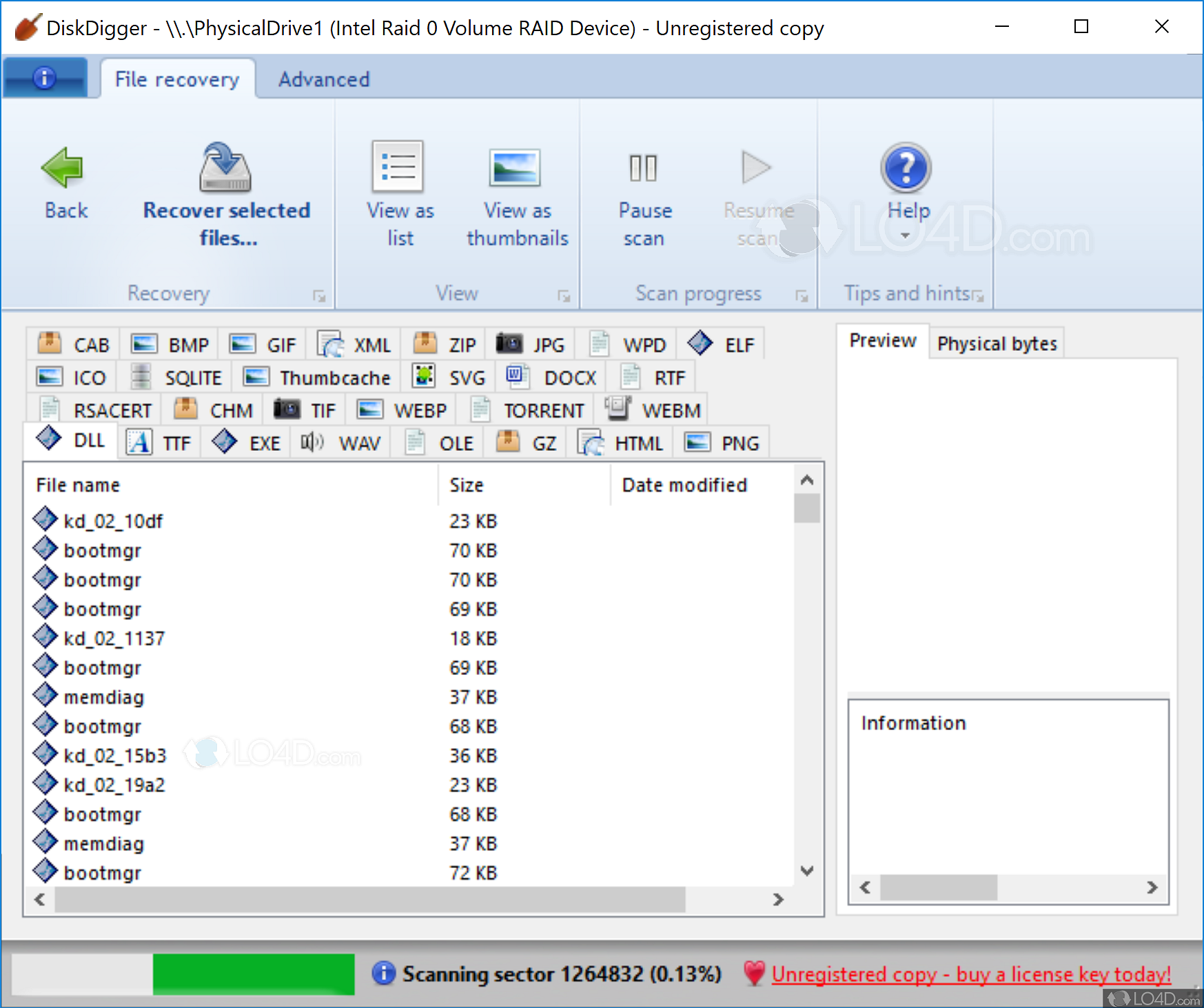
How to use:
- Install DiskDigger from Google Play Store
- Open the app and start basic scan
- Select images/videos to recover
- Save recovered files to device
2. Dr.Fone

How to use:
- Install Dr.Fone on your PC
- Connect your phone via USB cable
- Select “Data Recovery” mode
- Start scanning and preview files
- Recover selected data
3. EaseUS MobiSaver
How to use:
- Install EaseUS MobiSaver on PC
- Connect smartphone using USB
- Start scan process
- Preview lost files
- Click Recover
4. MiniTool Mobile Recovery
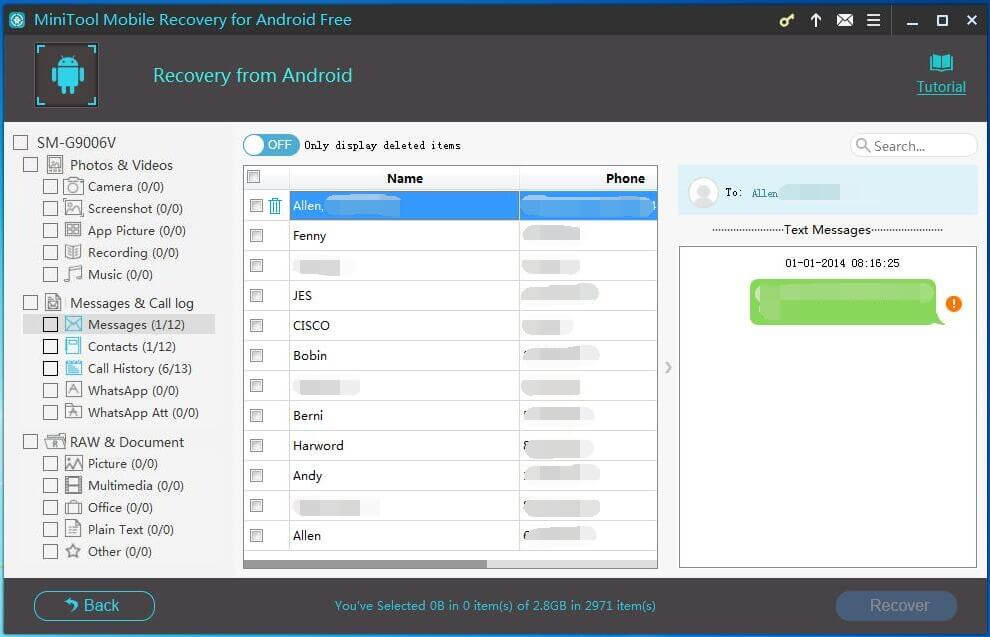
MiniTool is a powerful recovery tool that supports Android devices and SD cards.
How to use:
- Install MiniTool Mobile Recovery on your computer
- Connect your Android device or SD card
- Choose recovery mode (Phone or SD card)
- Start scanning process
- Select files and recover them
5. PhotoRec
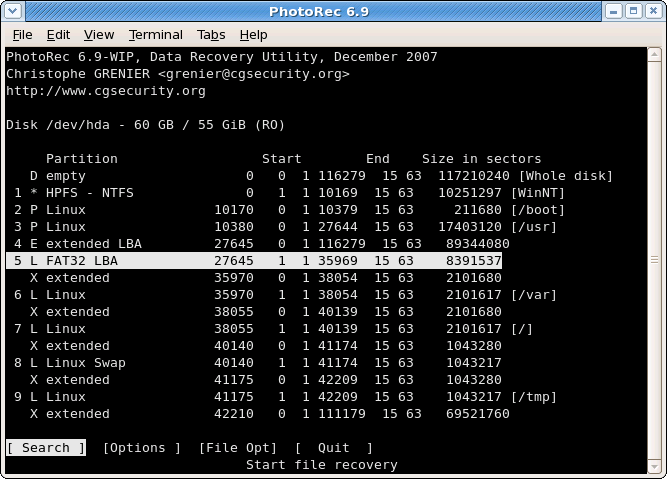
PhotoRec is a powerful open-source tool for deep recovery of deleted files from corrupted storage.
How to use:
- Download PhotoRec from official website
- Run the program on PC
- Select storage device (phone or SD card)
- Choose file types to recover
- Start deep scan and save files
Important Note
Modern smartphones use strong encryption, so recovery success depends on how quickly you try to recover files after deletion.
Conclusion
DiskDigger is best for quick photo recovery, while tools like Dr.Fone, EaseUS, MiniTool, and PhotoRec are better for deep and full recovery cases.


Post a Comment